A great YouTube thumbnail is the difference between a video that gets ignored and a video that gets clicked. With AI, you can create bold, scroll-stopping thumbnails in seconds, complete with clean compositions, strong colours and high emotional impact.These 10 prompts are designed to instantly boost your CTR by helping you generate polished, high-energy thumbnails that work across any niche.
How to Use These Prompts
Best AI models for thumbnails:
- Leonardo
- Ideogram (great for text)
- OpenAI Image Model
- Canva AI
- Meta.ai
- Contrast must be strong
- Text (if any) should be minimal
- Use the full 1280 × 720 aspect ratio
- Avoid clutter
1. High-Emotion Creator Close-Up
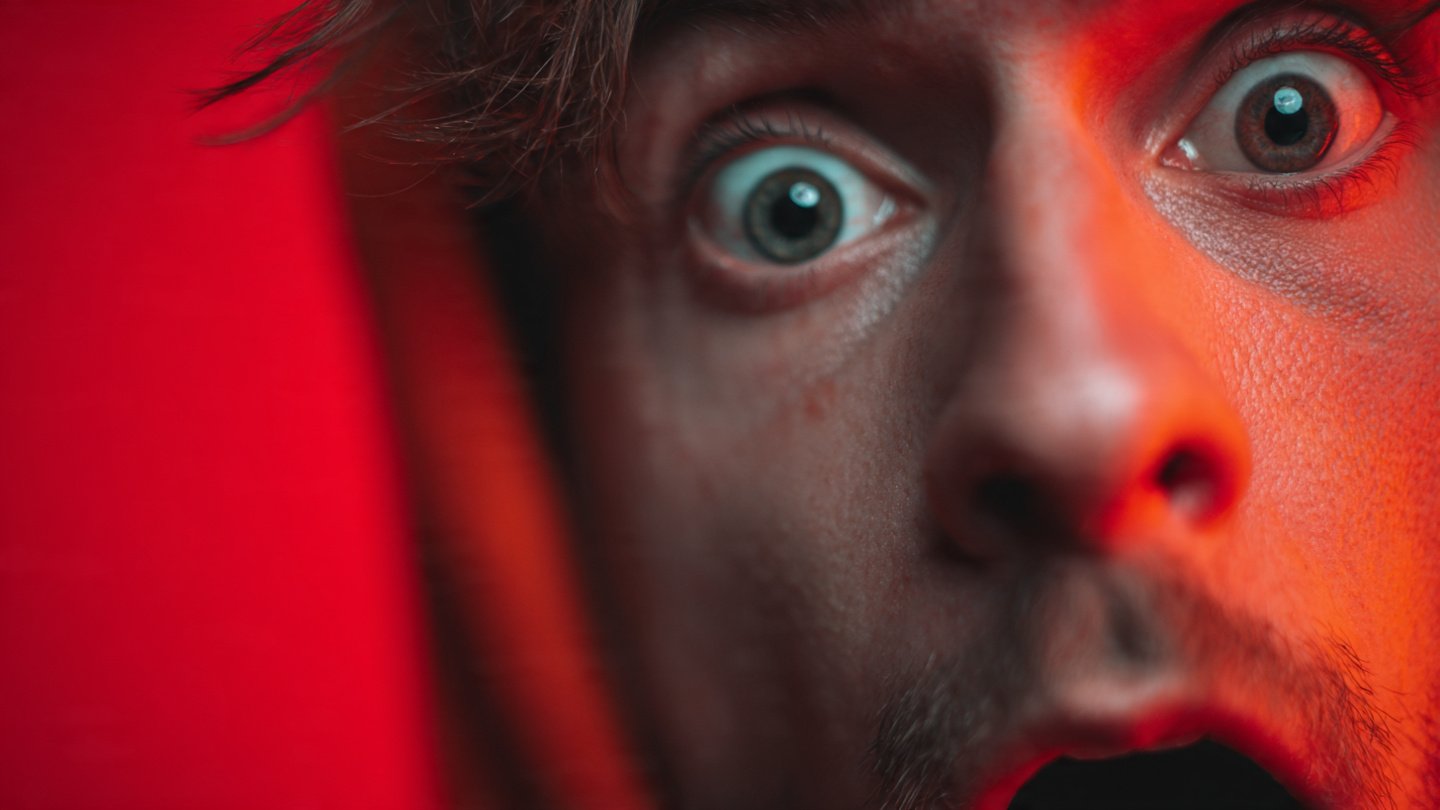
High-contrast close-up of a surprised face, sharp lighting, bold colour background, dramatic expression, clean composition for YouTube thumbnail.
Perfect for: reaction videos, commentary, explainers.
2. Clean Tech Review Thumbnail
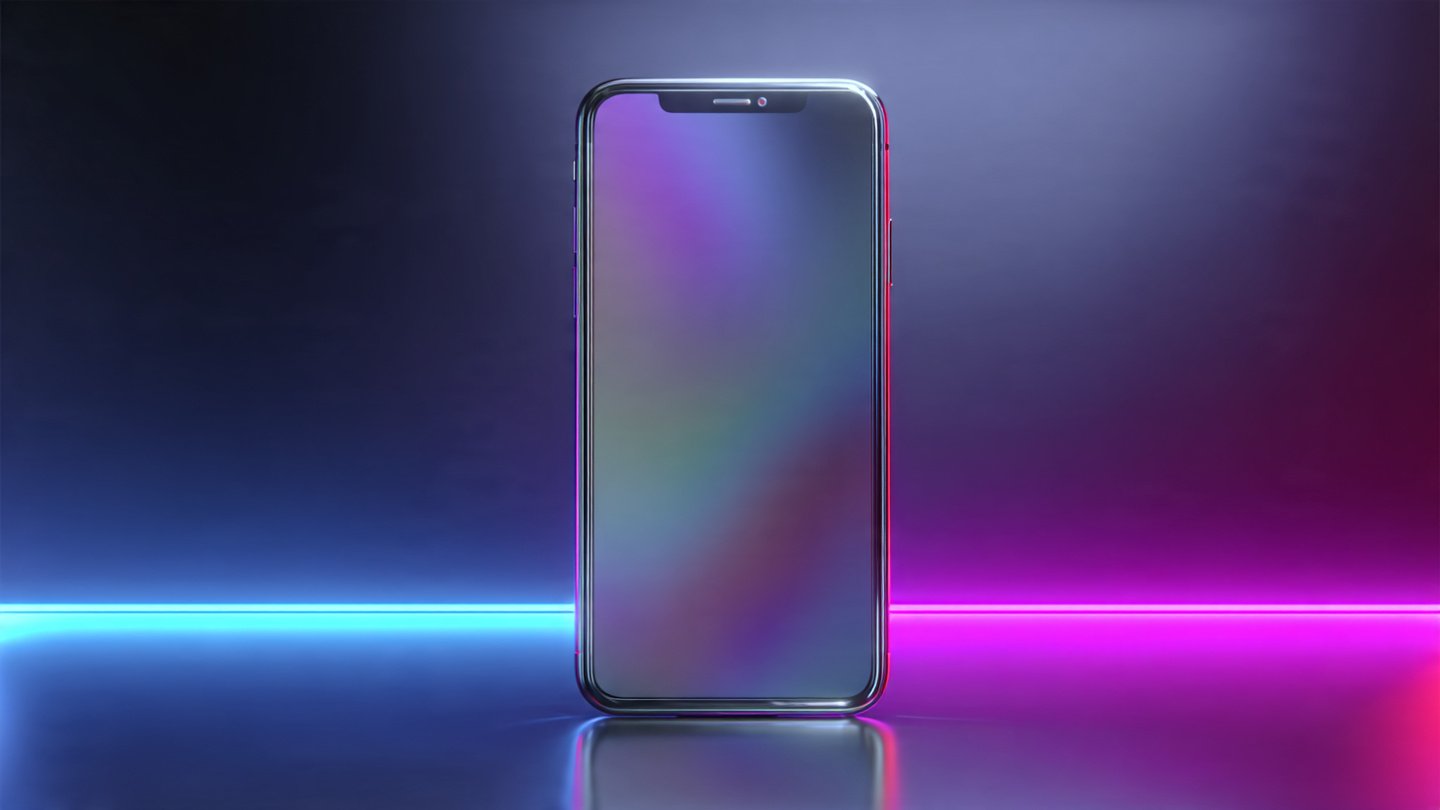
Minimal tech thumbnail, product in centre, neon edge lighting, clean gradients, sharp reflections, premium modern tech aesthetic.
Perfect for: gadget reviews, unboxings, comparisons.
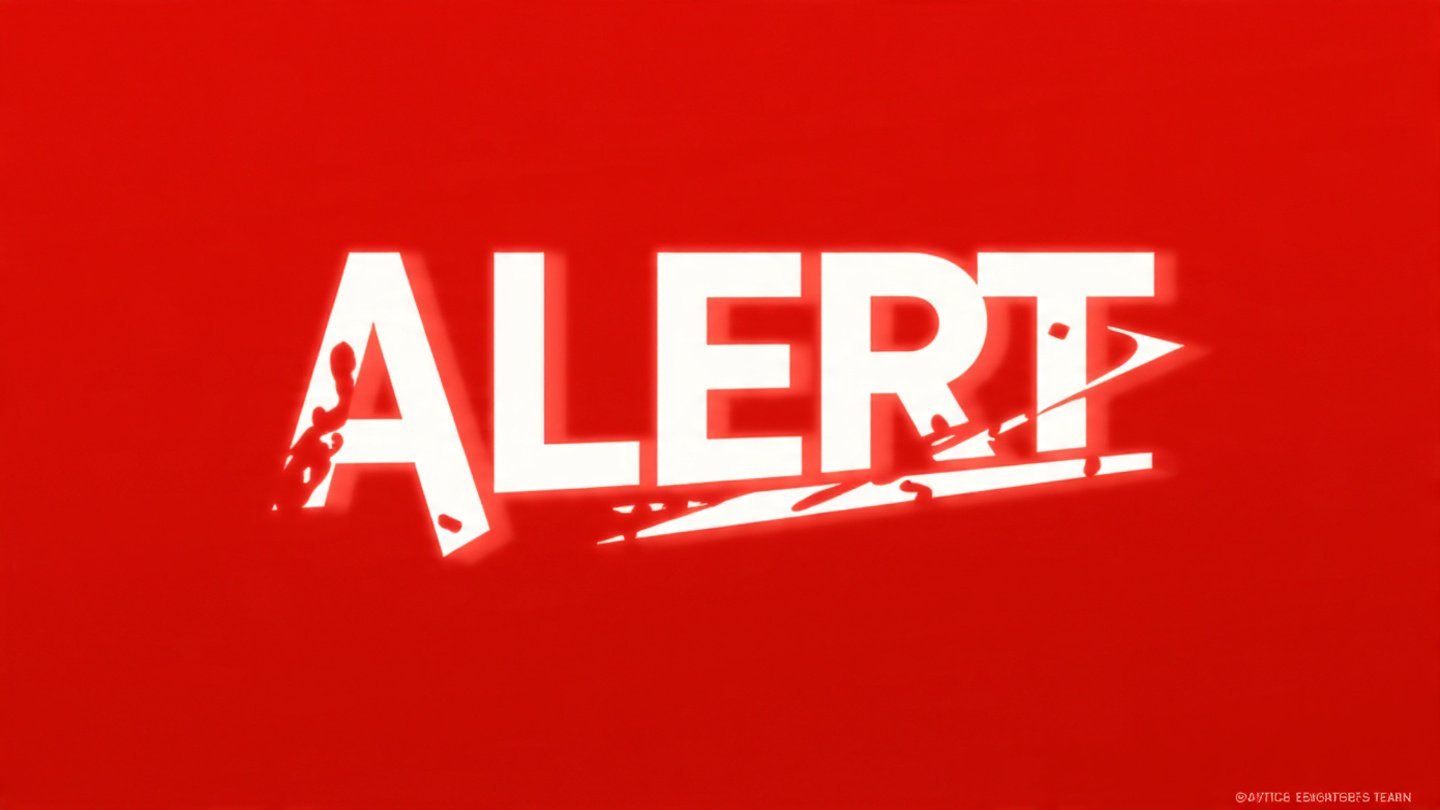
3. Bold Red Alert Theme
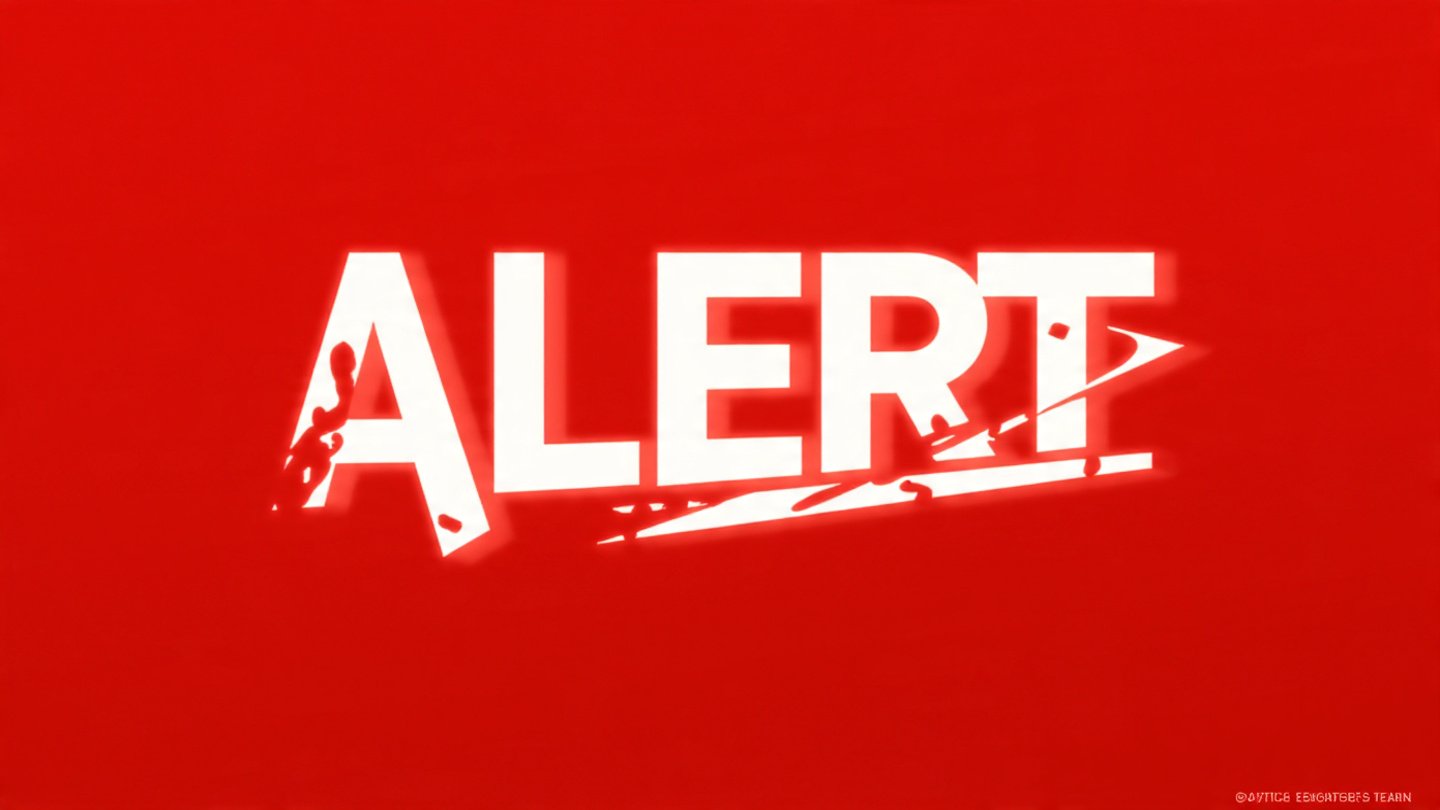
Bold red alert thumbnail, strong contrast, large simple text area, warning-style graphics, urgent visual impact.”
Perfect for: breaking news, warnings, “avoid this” content.
4. Blue-and-Yellow High-CTR Contrast
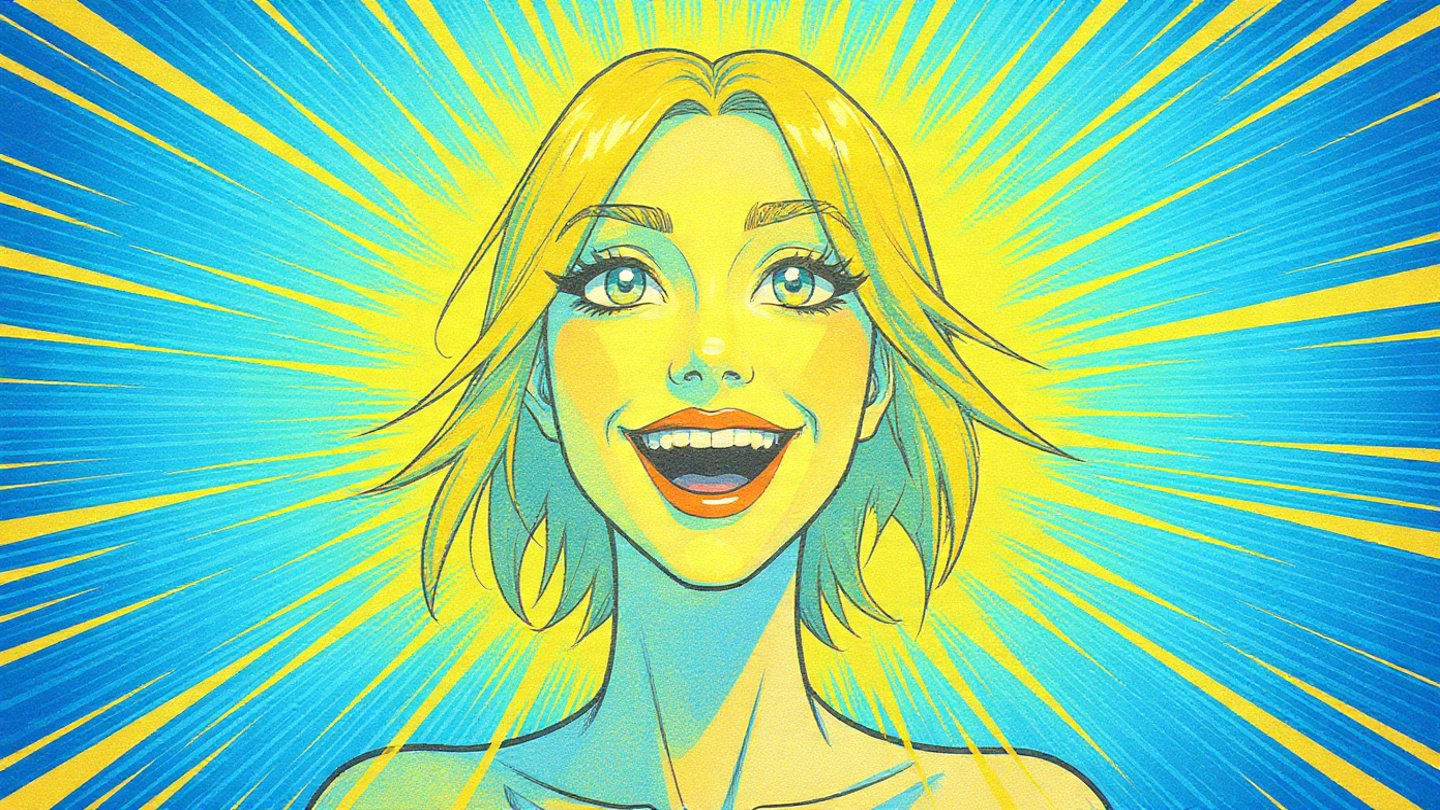
Bright blue-and-yellow YouTube thumbnail style, thick outlines, clean characters, expressive faces, highly clickable colour pairing.
Perfect for: tutorials, education, general content.
5. Dark Mode Cinematic Thumbnail
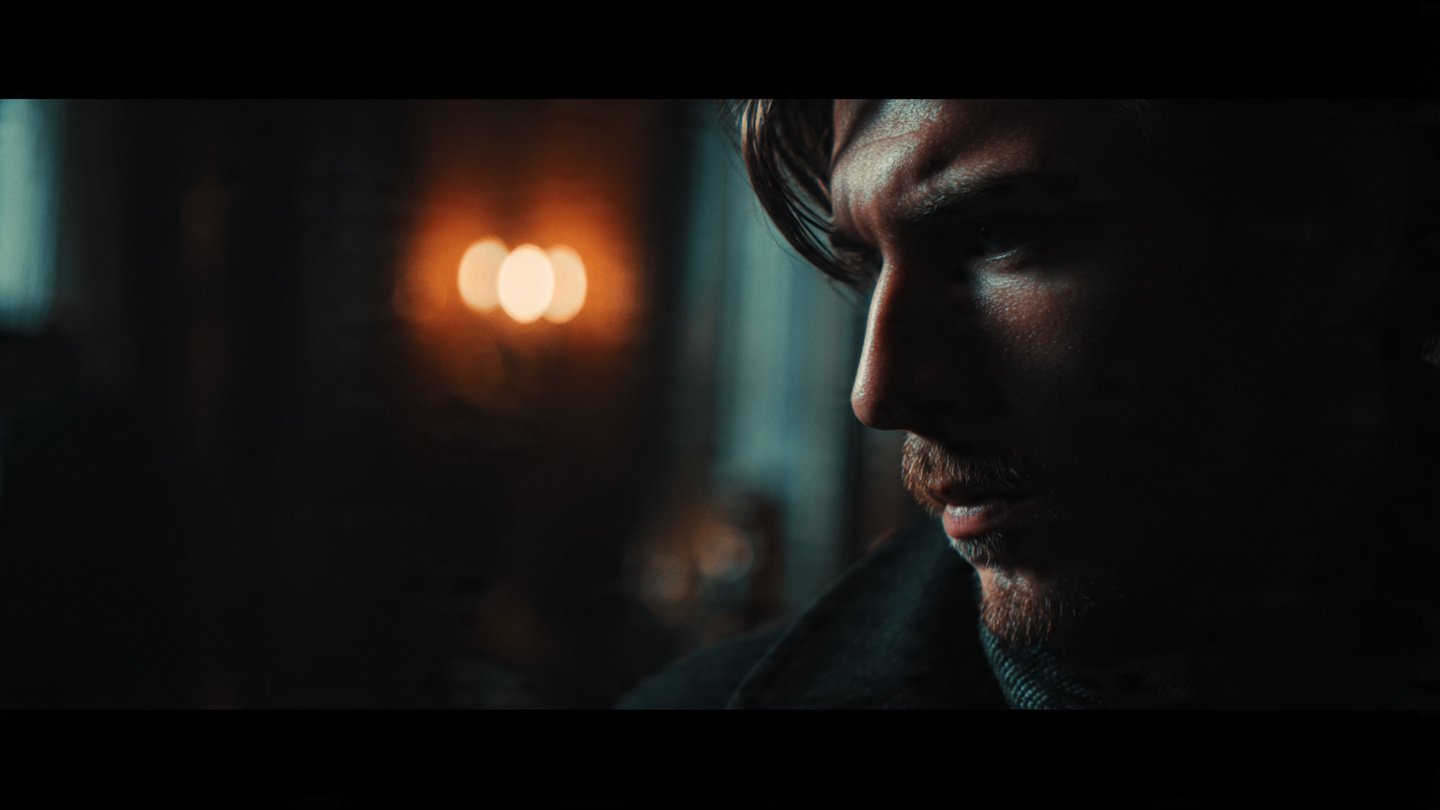
Cinematic dark-mode thumbnail, moody lighting, shallow depth of field, dramatic shadows, premium film-style composition.
Perfect for: storytelling, documentaries, film analysis.
6. Minimal White Background Thumbnail
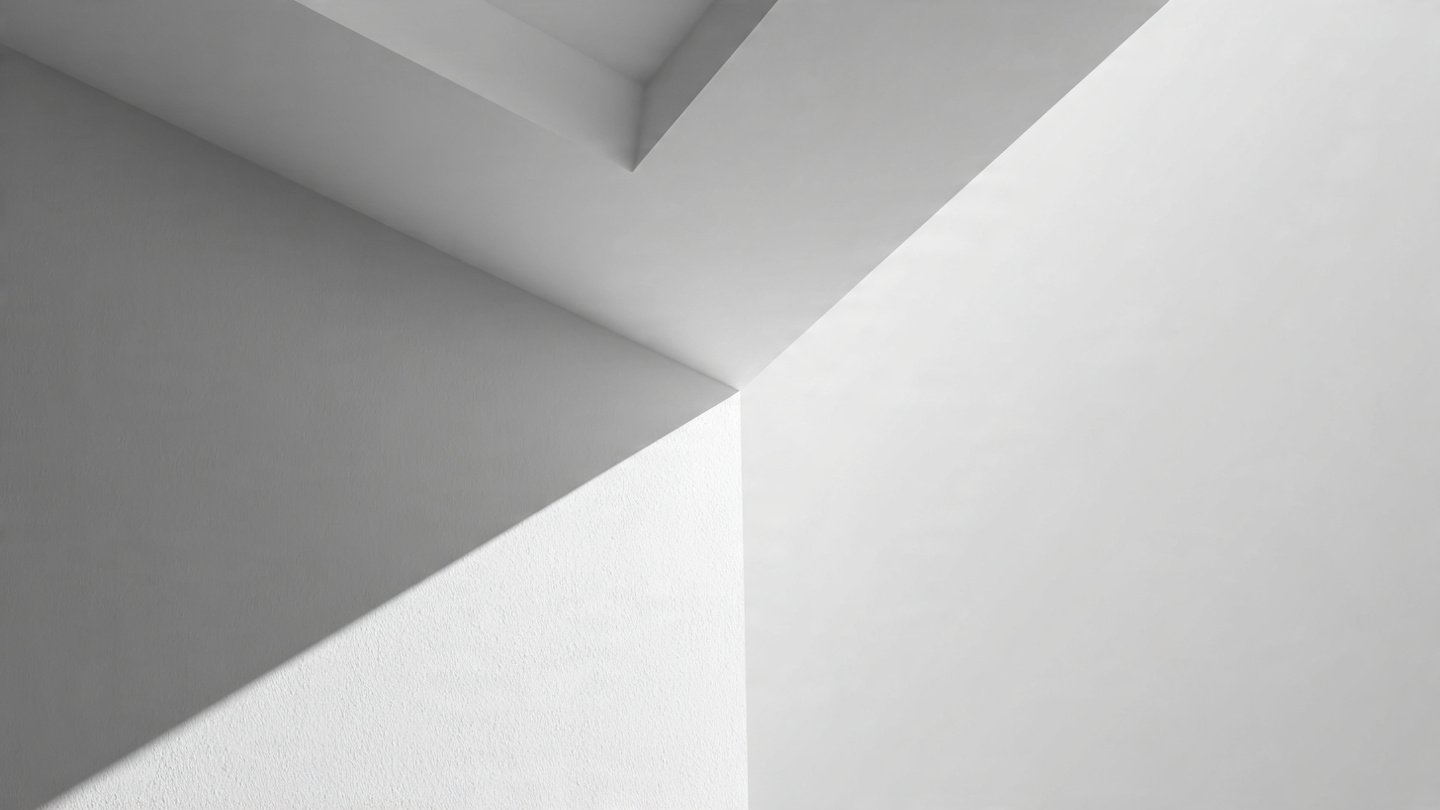
Ultra-minimal white background thumbnail, clean typography zone, soft shadows, crisp subject cutout, modern premium aesthetic.
Perfect for: productivity, personal development, tech.
7. Graphic Comic Style
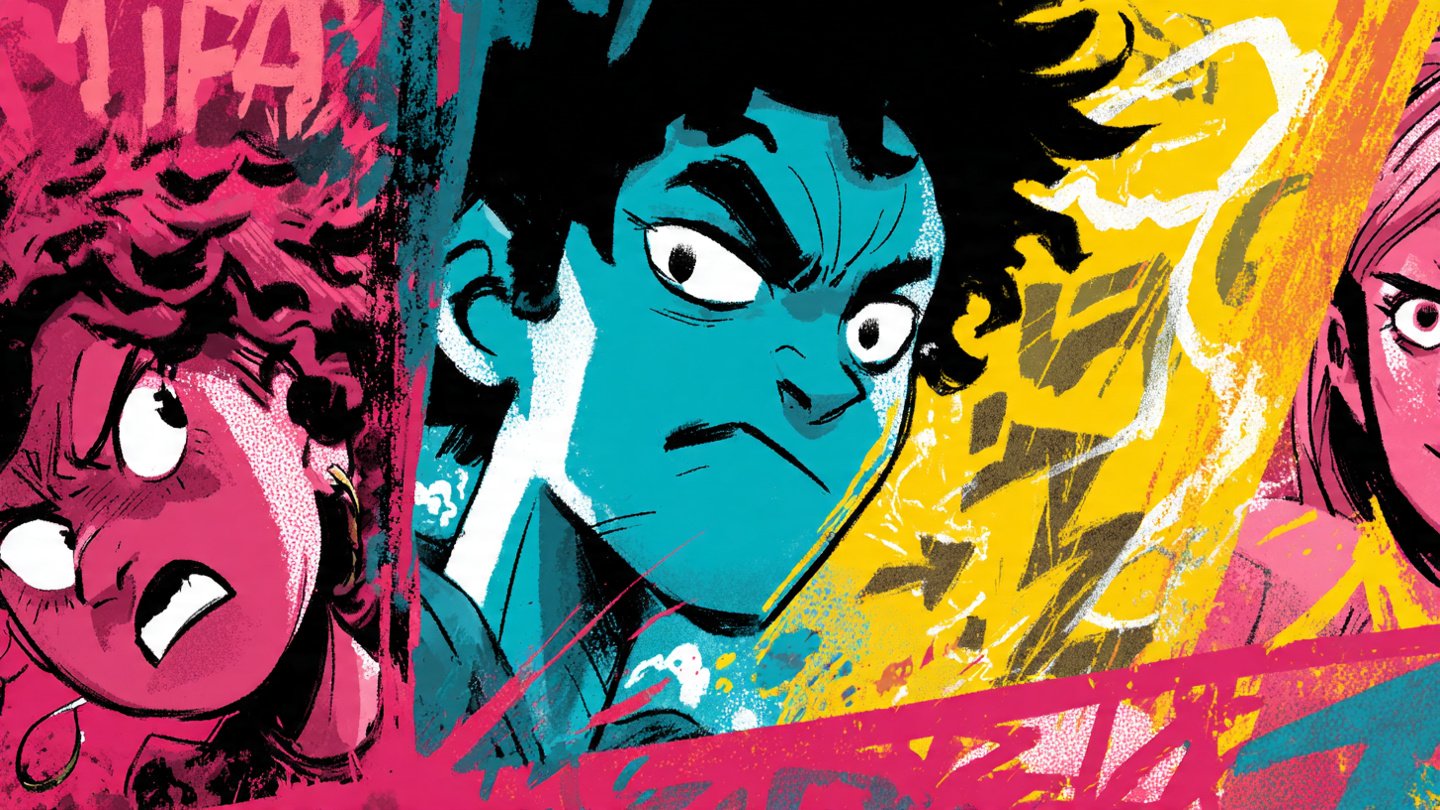
Graphic comic-style thumbnail, thick black outlines, punchy colours, energetic angles, expressive illustrated characters.
Perfect for: entertainment, gaming, humour, pop culture.
8. Money and Finance Theme
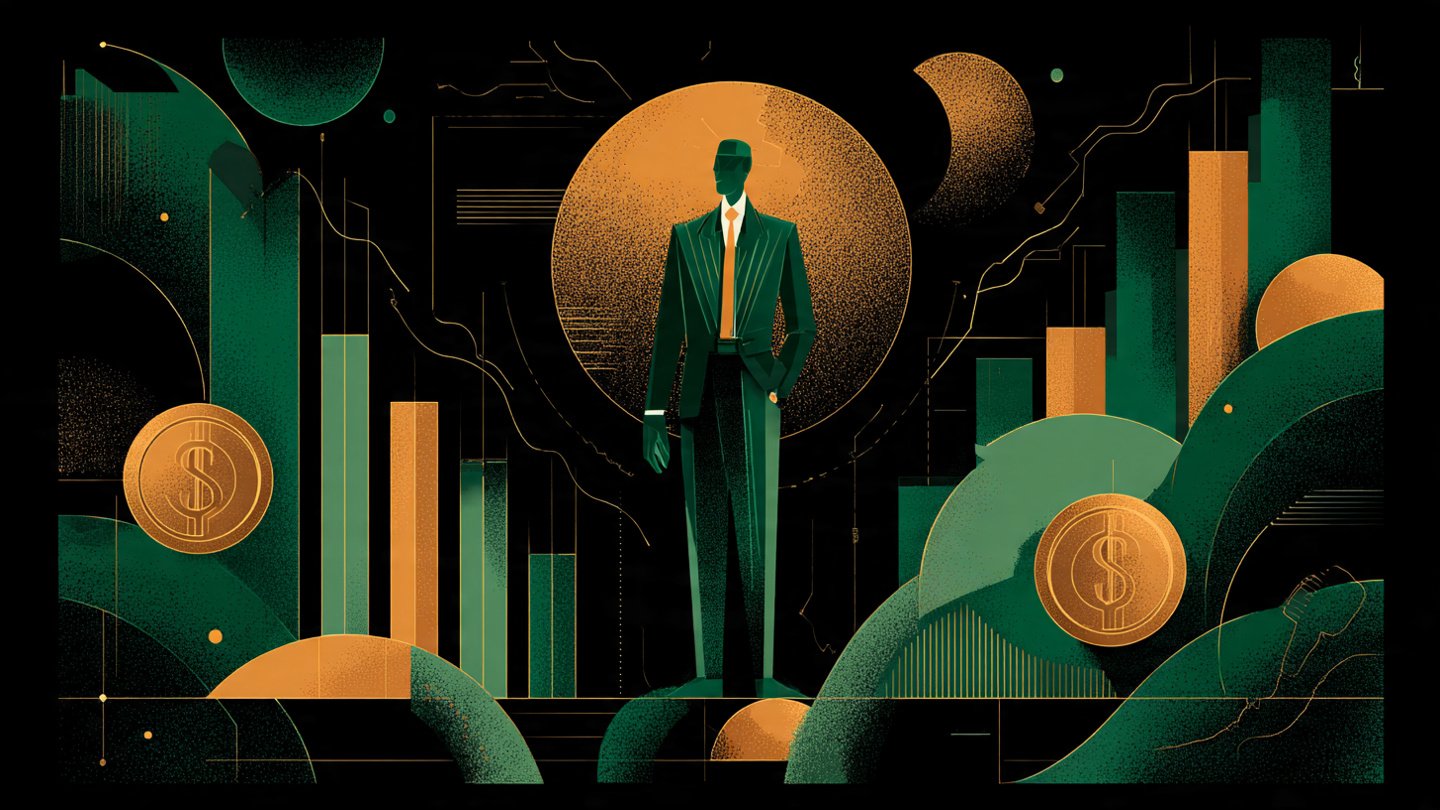
Finance thumbnail style, green and gold palette, strong central figure, crisp chart shapes, high contrast, professional clean layout.
Perfect for: investing, finance, crypto, business videos.
9. Mystery and Curiosity Hook
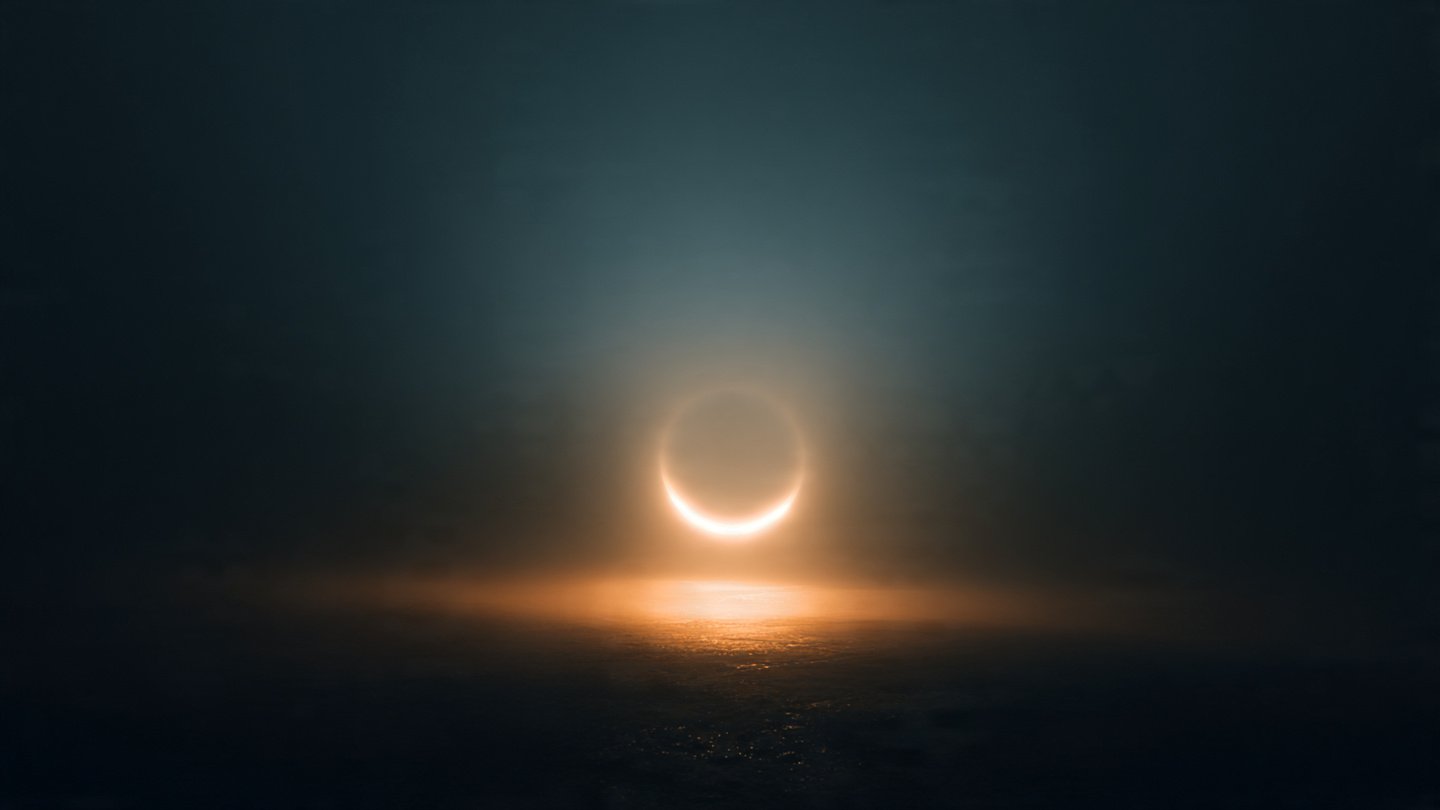
Mysterious thumbnail, dark vignette, glowing central object, soft atmospheric fog, minimal text space, curiosity-driven composition.
Perfect for: mysteries, storytelling, science, investigations.
10. Step-by-Step Tutorial Layout
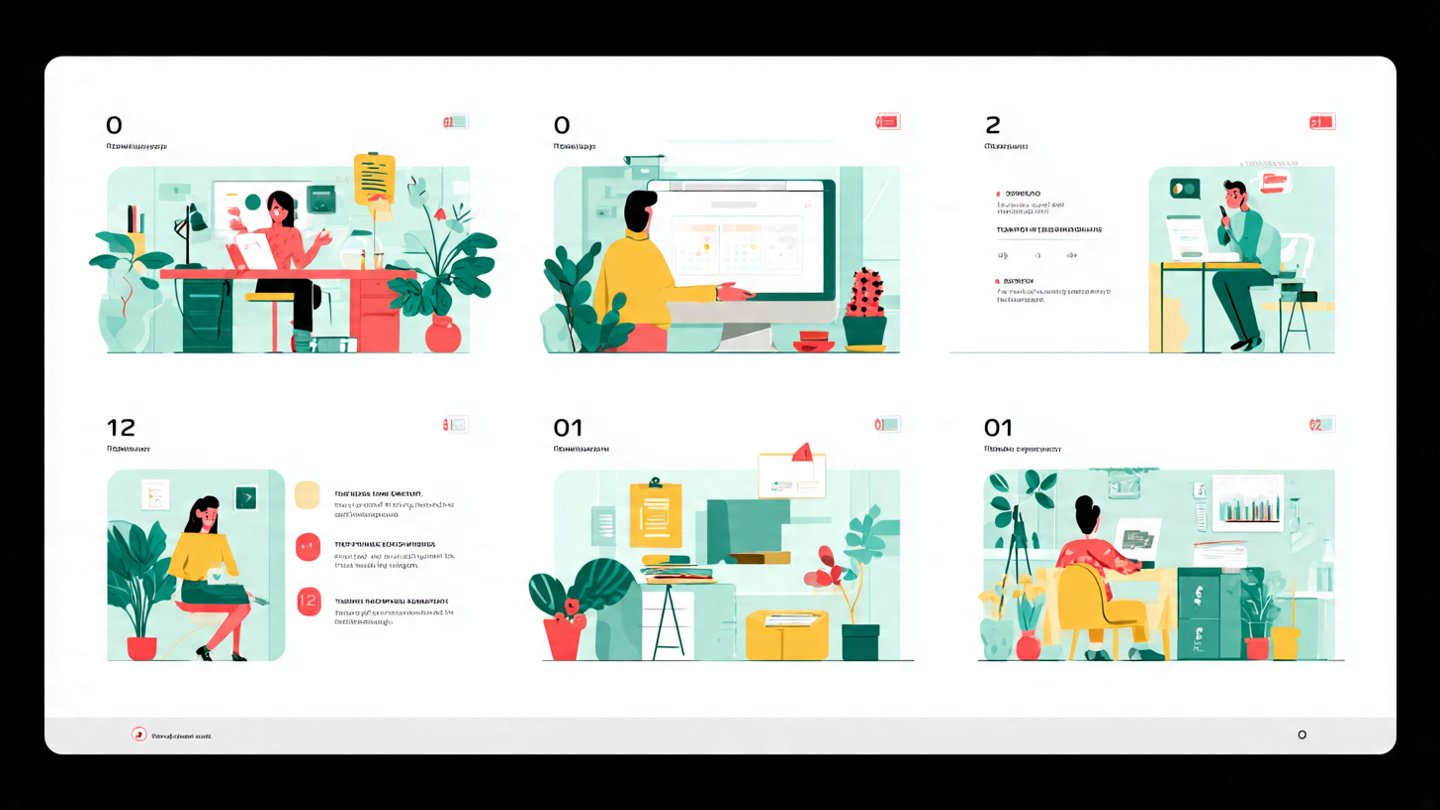
Tutorial-style thumbnail, numbered elements, clean iconography, bright palette, simple composition, clear instructional design.
Perfect for: how-to videos, tutorials, guides.
How to Keep Your Thumbnails Consistent
Add these modifiers to every prompt:
- “same colour palette across series”
- “consistent lighting style”
- “same background treatment”
- “same character style”
- “unified design language”
Or: Use one thumbnail as the reference image for all future prompts.
Give these prompts a try and see what you create. Every model handles them a little differently, so feel free to experiment, adjust the wording and make the style your own. If you discover a twist or technique that works well, share it in the comments below so others can try it too.